

Introduction
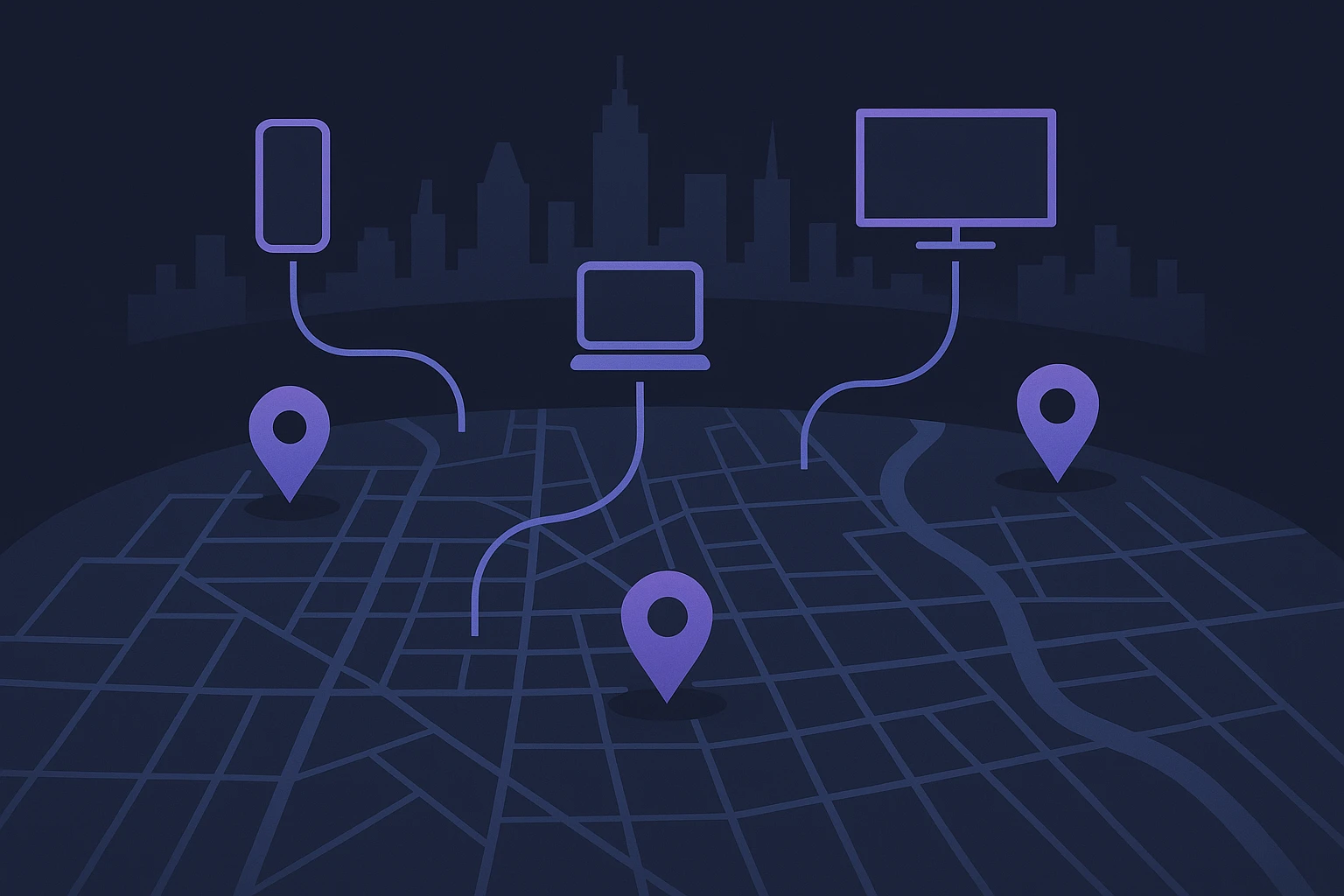
Imagine orchestrating a home network where your phone, tablet, smart TV, and development laptop all seamlessly relay their web traffic through different exit points—each tailored to a unique use case—without manually configuring each device. This level of flexibility and control is precisely what effective multi-device proxy configuration unlocks. For developers verifying geolocation-specific behavior, marketers managing regional campaigns, or sellers testing localized pricing, this approach offers granular routing without repetitive setup efforts.
Why this setup matters
Consider a developer testing pricing displays across global markets. Instead of manually updating proxy settings on each device, they can route mobile traffic through a European IP, while their testing workstation uses a North American address. Similarly, online sellers juggling multiple accounts on different platforms can isolate device identities behind distinct proxies, minimizing the risk of cross-account flagging. Setting proxies network-wide not only saves configuration time but also enhances consistency and reliability. According to a recent guide, router-level proxy deployment centralizes management and enables automatic coverage for IoT devices—even those lacking native proxy interfaces—such as smart TVs or game consoles Top Proxy Lab.
Real-world implementation examples
A practical example of multi-device proxy configuration emerges in advanced home-network tools like Clash. As documented in a detailed walkthrough, a user can run Clash on a mini PC or router, configure LAN listeners, enable proper firewall rules, and ensure the proxy listens on a LAN-accessible address. This lets every device connected to the household Wi‑Fi pass traffic through the designated proxy without per-device adjustment Clash Multi‑Device Sharing Guide, August 28 2026. This setup is particularly valuable for environments requiring both centralized control and flexibility across devices.
Practical benefits outlined
- Centralized control: Configure once at the network layer, and all connected devices inherit the proxy settings automatically.
- Cross‑device consistency: Ensures uniform routing, even for devices that don't support manual proxy entries.
- Efficient scaling: Add new clients (phones, TVs, tablets) without additional setup on each.
From this foundation, the rest of the article will guide you through choosing the right host device, setting up listeners, enabling LAN access, and ensuring security—all structured to make the process practical and actionable for technical users seeking robust multi-device proxy configuration.
Choosing the Right Host Device for Multi-Device Proxy Configuration
In establishing a robust multi-device proxy configuration, selecting the appropriate host device is crucial. The host device acts as the central node, facilitating communication between various clients, such as phones, tablets, and smart TVs. It must possess adequate processing power and reliability to handle concurrent connections efficiently.
Start by assessing your current network setup and device capacity. Most users opt for a dedicated computer or server that consistently runs and is capable of supporting multiple connections simultaneously. An ideal host device should have a dual-core processor and at least 8GB of RAM to ensure smooth operations. According to Cisco's device specification guidelines, having an appropriately tuned configuration can influence network performance, reducing latency and bottlenecks.
Operating System Considerations
The operating system (OS) you select for the host device significantly impacts the proxy's performance and flexibility. Popular choices include Linux, due to its open-source nature and extensive customization options, and Windows Server, known for its user-friendly interface and powerful integrated tools. Each OS brings unique capabilities—Linux offers comprehensive control via command-line interface, whereas Windows provides in-depth graphical management through remote desktop and server manager utilities.
Network Interface Requirements
Beyond choosing the hardware capabilities and OS, it's equally important to have network interfaces capable of supporting high throughput. Gigabit Ethernet ports are a minimum requirement for efficiently managing traffic between the host and client devices. Furthermore, enabling wireless connectivity can add convenience for mobile devices, ensuring they remain part of the proxy network without excessive cabling or configuration.
| Feature | Linux | Windows |
|---|---|---|
| Customization | High | Medium |
| Usability | Medium | High |
| Resource Management | Efficient | Moderate |
| Cost | Free (often) | Licensed |
Carefully weigh these factors to choose the platform and hardware that align with your specific requirements. Each host setup offers distinct advantages that can enhance the overall efficiency of your proxy configuration. By selecting the right host device, you lay the groundwork for a seamless integration of multiple devices, optimizing network performance and reliability.
Configuring Multi-Device Proxies for Enhanced Performance
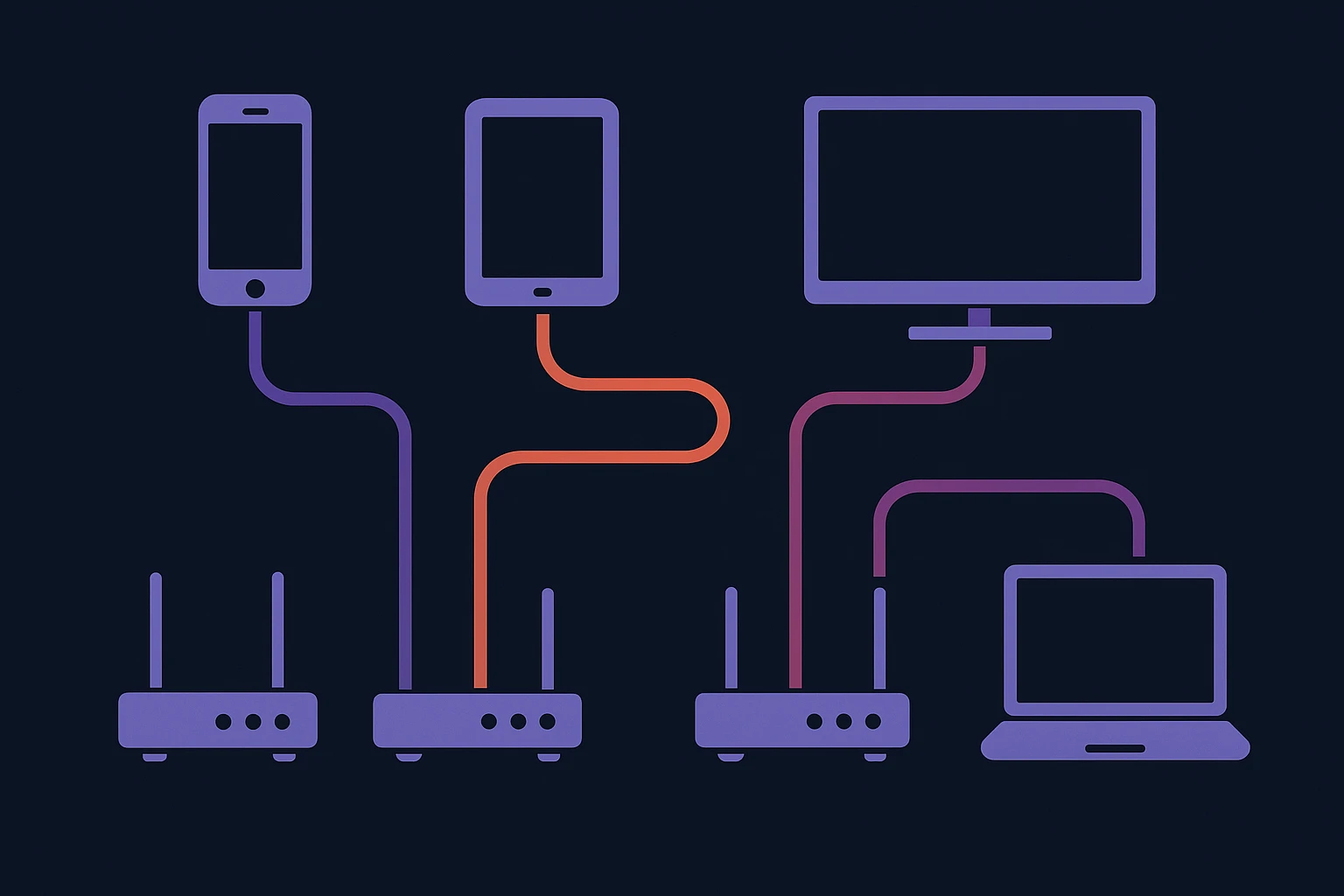
In today's fast-paced digital landscape, configuring a multi-device proxy setup can significantly boost your network's performance and security. This approach allows individual devices such as smartphones, laptops, and even IoT gadgets to connect to the internet through dedicated proxy servers. By doing so, each device can enjoy tailored routing, improving both speed and reliability.
For an optimized multi-device proxy configuration, it's crucial to select the right proxies suited to different tasks. For instance, marketers needing anonymity might prefer residential proxies, which emulate a real user's IP address, reducing the chance of detection. Conversely, a developer testing geo-restricted content may prioritize datacenter proxies known for their superior speed and availability. Diversifying proxy types according to device function can dramatically enhance workflow efficiency.
Let's consider a practical example: an e-commerce business using proxies to manage activities across multiple platforms. By configuring proxies to handle API requests from mobile apps on separate IPs, they can ensure smoother data aggregation without risking IP bans. Such strategies are essential for maintaining a competitive edge in data-driven markets. According to industry insights, businesses utilizing tailored proxy configurations have reported a 30% increase in data processing efficiency [source].
Moreover, integrating solutions like Soxy.pro into your configuration can simplify proxy management. With its user-friendly interface, Soxy.pro offers seamless device integration, automating many complex setup tasks. By centralizing control through such platforms, businesses can minimize the time spent on manual configurations, leading to more strategic use of technical resources.
When adopting a multi-device proxy configuration, it's essential to keep network security at the forefront. Implementing secure protocols such as HTTPS and ensuring regular proxy authentication updates can protect data transmission across all connected devices. Organizations must also consider compliance with regulations like GDPR when handling user data across multiple regions.
Ultimately, the scalability and adaptability of a multi-device proxy setup can transform how businesses interact with online resources. By understanding and leveraging the specific needs of each device, you can significantly benefit from enhanced connectivity and a more secure digital environment, keeping ahead of the competition in a rapidly evolving technological landscape.
Scalable Orchestration for Multi‑Device Proxy Configuration
Centralized Management for Diverse Device Fleets
Rather than configuring each endpoint manually, teams benefit greatly from orchestration platforms that unify device onboarding, proxy assignment, and routing logic. For example, Amey Lokare developed a per-device egress routing appliance that lets operators onboard machines or VPN peers, assign per‑machine routes, and automatically apply proxy or WAN configurations—eliminating the need for manual firewall edits and streamlining deployments across multiple virtual or remote devices Amey Lokare case study.
Rapid Deployment via Golden Profiles
In operational environments, efficiency and consistency are essential. Covenant Logistics, which manages over 300 Zebra Android devices across multiple sites, replaced hours of manual setup with preconfigured "Golden Path" profiles via SOTI MobiControl. Devices are now deployable in under 15 minutes—once a barcode is scanned, the device receives the correct configuration, apps, and security policies automatically. This approach eliminates inconsistencies and significantly reduces IT burden TRG | Covenant Logistics case study.
Handling Hardware Diversity at Scale
Large-scale mobile proxy infrastructures must accommodate varied hardware, network restrictions, and compliance requirements. A global enterprise working with Rayobyte encountered carrier restrictions and diverse device profiles in South Korea and the U.S. Their custom orchestration layer unified traffic management and performance monitoring across more than ten hardware types. The system also includes intelligent throttling to comply with telecom constraints, ensuring operational continuity across devices Rayobyte mobile proxy case study.
Best Practices and Practical Insights
- Rather than embedding proxy logic on every device, centralize management through configuration panels, orchestration tools, or UEM platforms.
- Use "golden images" or device‑specific profiles to standardize deployment and reduce human error during setup.
- Ensure flexibility by supporting hardware diversity via abstraction layers that can adapt to varying vendor requirements—especially important in multi‑region deployments.
- Include real‑time monitoring and failover logic to handle proxy health, route changes, or policy updates without manual intervention.
Through these strategies, organizations can enable a robust, scalable system for multi-device proxy configuration that balances consistency, compliance, and fast deployment. Whether you're managing warehouse scanners, orchestrating mobile proxy fleets, or supporting hybrid device environments, these insights equip you to apply practical configuration patterns that improve security and operational agility.

Conclusion
As the digital landscape evolves, understanding and implementing effective multi-device proxy configuration strategies is increasingly crucial. From securing data to optimizing network speed, proxies offer versatile solutions tailored to diverse needs. Embracing these strategies can significantly enhance your online experiences, whether you are managing a business network or optimizing individual devices.
One actionable insight is the importance of tailoring configurations to your specific requirements. For instance, if your business relies on IoT devices for data collection, consider proxies that support simultaneous connections without compromising security. This ensures seamless operations across all connected devices, safeguarding sensitive information while maintaining high performance.
Furthermore, case studies have shown that companies leveraging multi-device proxies can achieve enhanced data privacy and efficiency. According to CNBC, businesses that integrate comprehensive proxy solutions report significant reductions in network vulnerabilities and improved data management capabilities.
Your next step is exploring tools that simplify the setup process. One valuable resource is Soxy.pro, which offers detailed support and customization options for multi-device proxy configuration. This platform can help streamline your proxy management, providing both technical support and enhanced security features tailored to your needs.
Ultimately, integrating a multi-device proxy strategy is not just about security—it's about optimizing performance and increasing operational efficiency. By taking these insights and applying them to your network environment, you will be equipped to navigate the complexities of modern connectivity with confidence.
Reflect on your current proxy usage and consider where enhancements can be made. Whether for professional or personal use, the right configuration can transform your network's efficacy. Stay informed, adapt to emerging trends, and leverage tools like Soxy.pro to stay ahead in the digital age.