
Understanding Python Requests and Proxies
In today's digital landscape, navigating the internet efficiently and securely is crucial for businesses and developers. Whether you're gathering data, testing applications, or simply trying to maintain privacy, configuring proxies with Python's Requests library offers significant advantages. This article delves into the essentials of setting up a proxy using the versatile Python Requests module, providing a foundation for both technical specialists and online marketers.
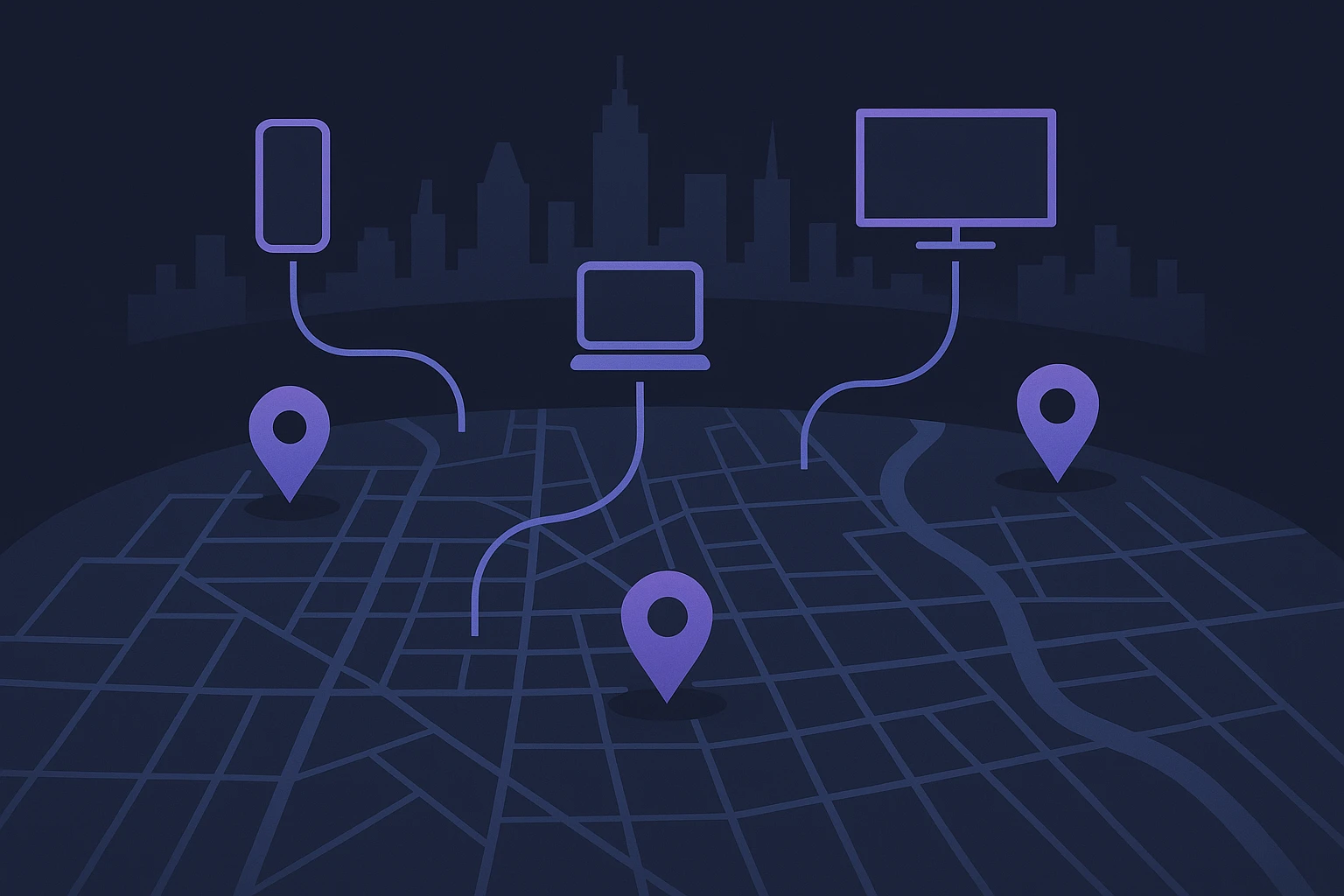
Proxies act as intermediaries between a client and the wider internet, providing an additional layer of privacy and security. They are commonly used to hide IP addresses, bypass geo-restrictions, and manage multiple requests for web scraping. With Python being a leading language for data extraction and API interaction, the combination of Python Requests and proxies becomes a powerhouse for anyone involved in web data operations.
Why Use Python Requests for Proxy Setup?
Python's Requests library is celebrated for its simplicity and efficiency in handling HTTP requests. It abstracts complex connections, allowing developers to focus on the task at hand without getting bogged down by the intricacies of HTTP protocols. Setting up a python requests proxy environment doesn't just enhance functionality, it ensures that your operations remain discrete and efficient. This is particularly beneficial for online sellers and marketers conducting competitive analysis without revealing their identity or location.
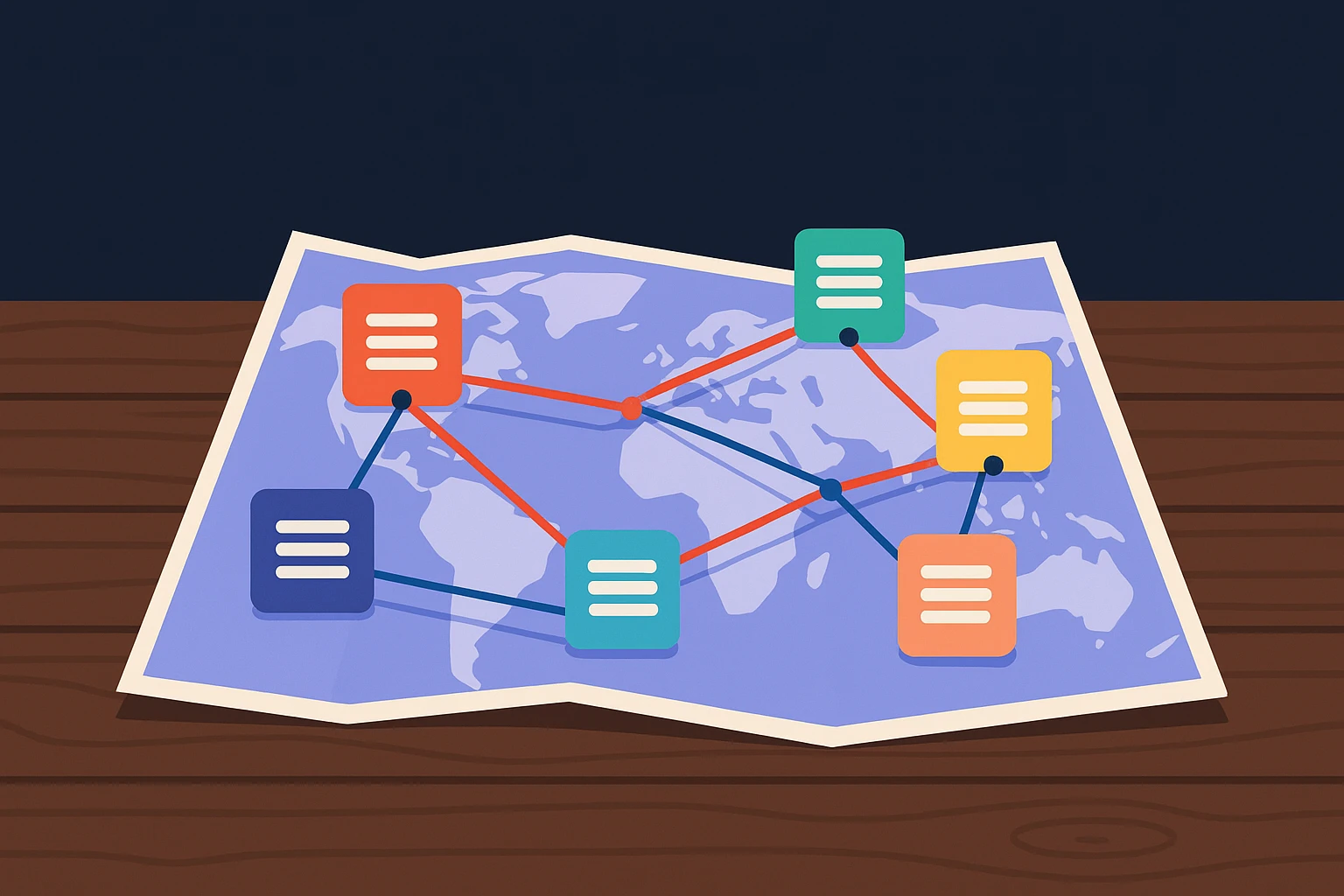
Consider a scenario where a digital marketing agency is tasked with monitoring competitor pricing across multiple regions. Using a proxy setup with Requests not only simplifies the process but also automates data collection. This avoids manual checking, which can be time-consuming and unreliable. For instance, a proxy can route requests through specific geographic locations, ensuring accurate region-based data retrieval.
Getting Started with Proxy Setup
Implementing a proxy in Python Requests is straightforward yet highly effective. A basic setup involves specifying the proxy URL and integrating it within the Requests session. For example:
python import requests proxies = { 'http': 'http://10.10.1.10:3128', 'https': 'http://10.10.1.10:1080', } response = requests.get('http://example.com', proxies=proxies)This simple snippet demonstrates how to route HTTP and HTTPS requests through a specified proxy, making your operations seamless and transparent to the end server. For accurate and efficient data scraping, like tracking competitor product availability, this setup is invaluable.
According to a recent report from Statista, the demand for web scraping tools is steadily increasing, with many industries recognizing their potential. Integrating proxy settings with Python Requests is a direct response to this demand, providing both flexibility and control over data collection activities.
Understanding Proxy Setup with Python Requests
Python's Requests library is a powerful tool widely used for making HTTP requests. However, when scraping data from the web, privacy, efficiency, and access can become challenges. This is where a proxy setup becomes invaluable. A proxy acts as an intermediary between your client and the server, masking your IP address and allowing you to bypass geographical restrictions and website access limitations.
Benefits of Using Proxies in Python Requests
Integrating proxies with Python Requests offers several advantages. Firstly, proxies help in circumventing IP bans which can occur if you're making numerous requests in a short period. A proxy setup can distribute requests across various IPs, reducing the chance of being blocked. Additionally, using a proxy can enhance your scraping efficiency by accessing geo-restricted data.
Another key advantage is the protection of sensitive information. Proxies offer an added layer of privacy by hiding your actual IP address, thus protecting your identity and data from potential threats. Furthermore, using proxies can lead to improved performance and speed by balancing traffic loads across different servers.
Implementing Proxies with Requests
To implement a proxy with Python Requests, you'll need to configure the proxy settings before making the HTTP request. This can be achieved by passing a dictionary of proxy details to the proxies parameter of the request function. Below is a basic example of how to set up a proxy for HTTP and HTTPS requests:
import requests

proxies = {
  "http": "http://10.10.1.10:3128",
  "https": "https://10.10.1.10:1080",
}

response = requests.get('http://example.com', proxies=proxies)
print(response.text)
This simple code snippet demonstrates how you can route your requests through specified proxies for both HTTP and HTTPS connections. By using a proxy, you can achieve greater control over your web requests, adapting to different needs and environments.
Comparison of Proxy Types
Understanding the different types of proxies will help you choose the right one for your application:
| Proxy Type | Description | Use Case |
|---|---|---|
| HTTP Proxy | Supports HTTP requests only | Basic web scraping |
| HTTPS Proxy | Supports secure, encrypted requests | Data protection and privacy |
| Sock Proxy | Handles non-HTTP traffic | Specific protocols like FTP |
Choosing the right proxy type depends on your specific requirements, such as security needs and the nature of the data you're accessing. By configuring a proxy, you can strategically manage your request volume and accessibility, aligning with your project's needs and restrictions.
According to TechTarget, understanding proxy servers' functionality can significantly enhance your web scraping strategies. Whether for bypassing geo-blocks or protecting user identity, proxies are an essential component in modern data-driven environments.

Setting Up Proxies with Python Requests
Configuring proxies in Python allows developers to route their HTTP requests through intermediary servers. This is invaluable for tasks like bypassing geographic restrictions or improving security. The Python Requests library offers a straightforward way to enable proxy usage, making it an essential tool for developers who need to navigate complex network environments.
To start, you need to define a dictionary specifying the protocol and proxy server. For example, if you're working with HTTP and HTTPS requests, your setup might look like this:
proxies = {
    'http': 'http://10.10.1.10:3128',
    'https': 'http://10.10.1.10:1080',
}
Once defined, these proxies can be integrated into your request function. A simple implementation could involve integrating the proxy setup within a request to a given URL:
import requests

response = requests.get('http://example.com', proxies=proxies)
print(response.status_code)
For developers seeking reliable proxy solutions, platforms like Soxy.pro offer advanced features such as rotating proxies and geographic targeting, streamlining the entire process of python requests proxy setup. Such resources can dramatically reduce the complexity involved in managing large-scale scraping operations.
It's crucial to select the right proxy service based on your project needs. For instance, international marketers might prefer proxies that offer multiple regions to fine-tune market analysis. A direct application of this might be in competitive research, allowing marketers to simulate browsing from specific countries to gather localized pricing data.
Moreover, security considerations should not be overlooked. By routing requests through a proxy server, your actual IP address remains hidden, enhancing privacy and reducing risks of direct attacks. This is especially true when dealing with sensitive data or engaging in high-risk transactions online.
In addition to the technical setup, understanding legal implications is critical. Ensure compliance with applicable laws, particularly if your operations involve accessing restricted content or personal data. Consulting expert sources can provide deeper insights into lawful proxy usage.
By effectively setting up proxies with Python Requests, businesses and developers can enhance their workflows, access global data efficiently, and maintain high levels of privacy. Correctly leveraging these tools not only fulfills technical needs but also supports strategic business goals.
Integrating Proxies with Python Requests
When dealing with various web scraping tasks or accessing geographically restricted content, setting up proxies in Python Requests can significantly enhance efficiency and anonymity. Proxies act as intermediaries, allowing developers to route requests through different servers, masking their original IP address. This setup is crucial for avoiding IP bans and ensuring seamless data collection.
To configure a proxy with the Python Requests library, you need to use a dictionary with the HTTP and HTTPS keys pointing to your proxy URL. Here’s a simple example of how to configure a request with a proxy:
import requests

proxies = {
    "http": "http://username:password@proxyserver:port",
    "https": "https://username:password@proxyserver:port"
}

response = requests.get("http://example.com", proxies=proxies)
print(response.text)
In the above code, replace username, password, proxyserver, and port with your proxy credentials and server details. This method ensures that every request made using the Python Requests library is routed through the specified proxy server.
Choosing the Right Proxy Provider
The success of a python requests proxy setup also depends on selecting a reliable proxy provider. Factors such as uptime, geographic diversity, and speed significantly impact the quality of data collection. Consider using premium providers like Luminati or Smartproxy, known for their extensive network coverage and robust infrastructure. These providers offer residential IPs, which are less likely to be flagged as suspicious.
According to TechCo's market report, the demand for residential proxies is on the rise, primarily because they provide better anonymity and security compared to datacenter proxies. A provider with a rotating IP feature can also help in minimizing the chances of being blocked.
Real-World Applications and Best Practices
One real-world application of using proxies with Python Requests is in competitive pricing analysis. Online retailers often use automated scraping tools configured with proxies to gather pricing data from competitors without getting blocked. By doing so, businesses can dynamically adjust their prices, ensuring they remain competitive.
Another common use case is in digital marketing, where agencies perform sentiment analysis or track social media trends across different regions. Proxies enable unrestricted access to various data sources, ensuring that results are comprehensive and accurate. For optimal results, it's essential to maintain a robust proxy rotation strategy to avoid detection.
Implementing a successful proxy setup within Python Requests involves not just technical adjustments but also strategic decisions regarding proxy selection and usage. With the information provided, businesses and developers can better navigate the challenges of data collection, enhance privacy, and make informed decisions using global insights.

Conclusion
Understanding the intricacies of proxy setup in Python can significantly enhance your network management capabilities, especially when utilizing the robust "requests" library. By mastering the python requests proxy setup, developers can effortlessly navigate restrictions and optimize connectivity across diverse networks. This flexibility is invaluable for managing web scraping tasks, automating data retrieval, or ensuring anonymity in online activities.
It's crucial to acknowledge that setting up proxies requires not only technical know-how but also a grasp of ethical considerations. Misuse of proxies can lead to legal consequences or bans from websites. Therefore, it is advisable to use proxies responsibly, respecting terms of service and privacy standards. By prioritizing ethical usage, developers can leverage proxies to boost performance without compromising on integrity.
Moreover, consider the myriad real-world applications where efficient proxy management can be a game-changer. From testing localized content in different regions to managing business accounts on multiple platforms without detection, proxies serve numerous strategic purposes. Each use case highlights the significance of a properly configured proxy setup as part of a broader technical toolkit.
For those eager to streamline their proxy management process, tools like Soxy.pro offer comprehensive services. By providing reliable proxy solutions, they enable users to focus on optimizing their core activities without the overhead of intricate proxy configurations. This allows businesses and individuals to maintain agility in a digitally evolving landscape.
Ultimately, the successful implementation of a Python requests proxy setup can open new avenues for innovation and efficiency. As you integrate these techniques into your workflows, remember to continuously update your skills and stay informed about the latest developments in networking technologies. Embrace the potential of proxies as dynamic tools that can empower your online endeavors.