

Introduction
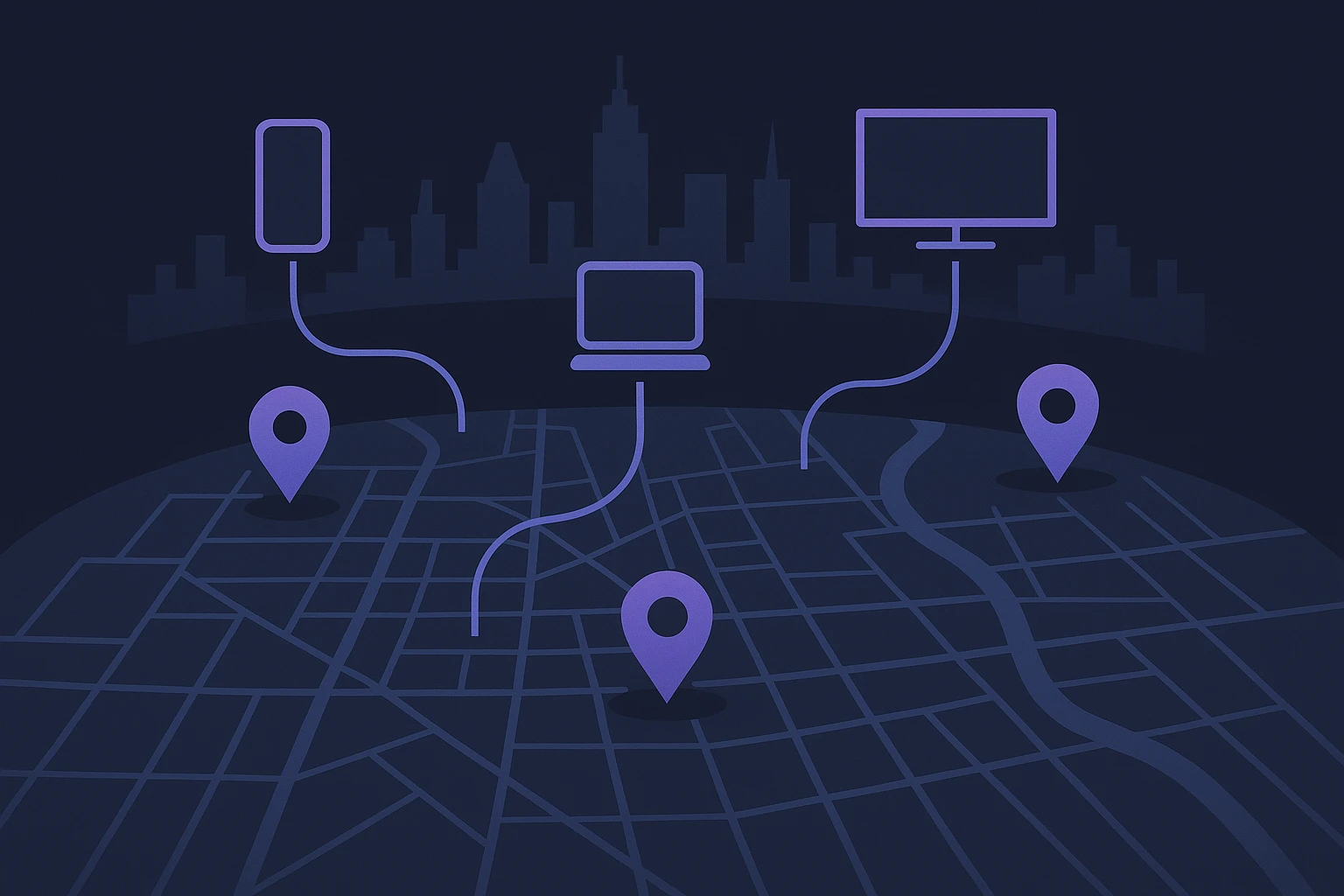
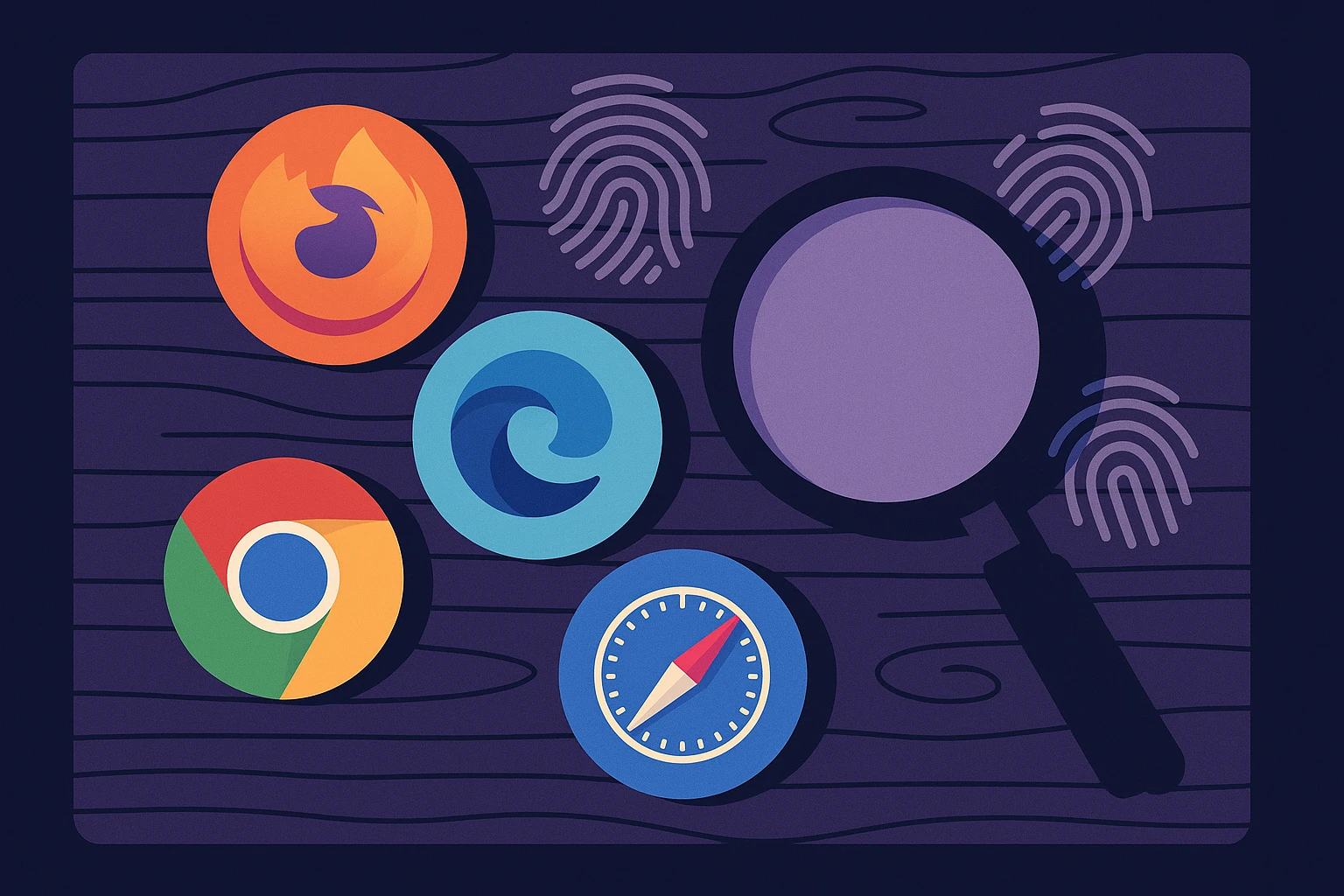
Managing multiple online identities across platforms—whether for advertising, social media, e-commerce, or research—often leads to challenges like account bans, cross-account interference, or detection by advanced tracking systems. These issues stem from browser fingerprints: the unique combination of user-agent, canvas/WebGL rendering, fonts, timezone, and other attributes that persist across sessions. A mismatched fingerprint, even after changing IPs, can instantly flag activity as suspicious.
Enter antidetect browser setup as a practical solution. By isolating profiles and spoofing critical browser attributes, such setups allow each session to present as a distinct, real user. For instance, tools like Gologin or Multilogin enable configuration of unique fingerprints alongside dedicated proxies to simulate different devices and locations—vital for marketers running geo‑targeted campaigns or developers conducting automated testing floppydata.com.
Recent expert analysis highlights both the effectiveness and limitations of this approach. A security study by Archonum emphasizes that while antidetect browsers rewrite dozens of fingerprint parameters—user‑agent, canvas outputs, fonts, WebGL, timezone, and more—detectors increasingly rely on internal consistency checks, making it more likely to spot spoofed sessions that don’t align perfectly archonum.com. This underscores how critical it is to balance spoofed values coherently during setup.
In real-world workflows, an antidetect browser setup typically involves creating isolated profiles, tailoring fingerprint parameters for each, and pairing them with dedicated residential or mobile proxies. The result looks like genuine, separate users, even when managed from a single machine—a method frequently adopted by affiliate marketers, multi‑account social media managers, e‑commerce sellers, and QA teams antidetect.net.
By adopting a thoughtfully crafted antidetect browser setup, professionals can scale operations without triggering platform fraud systems. This section lays the groundwork for understanding not just the what and why, but also the practical mechanics—setting the stage for deeper configuration guidance and real-world best practices in the sections ahead.
Core Components of an Effective Antidetect Browser Setup
Creating a robust antidetect browser setup involves a series of strategic steps essential for maintaining anonymity and bypassing detection systems. For developers, marketers, and online sellers, understanding these components is vital for successful campaigns and operations.
User-Agent Management
An antidetect browser must expertly manage user-agent strings, which identify the browser and operating system to websites. By emulating various user-agent strings, users can prevent tracking based on browser fingerprints. For instance, switching between different popular user-agent strings allows professionals to simulate legitimate traffic from multiple browser types.
IP Address Alterations
The IP address is a primary tracking method for many platforms. Using residential proxies or virtual private networks (VPNs), users can mask their real IP address, presenting a different location and reducing the risk of detection. According to IP Location, frequent IP changes through these methods are effective in minimizing tracking.
Cookie Management
Managing cookies is crucial in an antidetect browser setup. Storing, altering, or deleting cookies prevents websites from accurately profiling users. By manipulating tracking cookies, professionals can vary their digital identity, crucial for activities requiring multiple account management or testing different market segments.
WebRTC Leak Prevention
WebRTC (Web Real-Time Communication) leaks can expose a user's true IP address despite proxy use. Implementing measures to disable or obfuscate WebRTC is essential for preserving online anonymity. Extensions and browser settings can effectively thwart potential leaks.
Detailed Browser Attribute Comparison
| Attribute | Standard Browser | Antidetect Browser |
|---|---|---|
| User-Agent Consistency | Fixed | Dynamic |
| IP Address | Stable | Variable via Proxies |
| Cookie Management | Standard | Customizable |
| WebRTC Leak | Possible | Prevented |
By understanding these components, users can tailor their antidetect browser setup to meet specific needs. With tools that offer customizable user-agent strings and sophisticated cookie management, they can effectively navigate the complex landscape of digital marketing and cybersecurity. In the next section, we'll delve into practical configuration techniques, enhancing your operational resilience.
Setting Up an Antidetect Browser for Optimal Performance
Configuring an antidetect browser requires a nuanced understanding of how digital identities are tracked and how these browsers function to conceal user information. A well-executed antidetect browser setup can significantly enhance your online privacy by obfuscating fingerprint data and masking IP addresses. However, it's crucial to ensure the setup aligns with your specific operational needs.
Configuring Your Identity Profiles
One of the primary features of antidetect browsers is the ability to create multiple identity profiles. This feature allows users to simulate different online personas, each with unique browser fingerprints. For example, you can establish separate profiles for personal projects and business endeavors, each appearing to originate from divergent geographical locations and possessing distinct cookies and user agents. This segmentation is vital for marketers conducting a variety of online campaigns. It's important to remember that configuring these profiles with realistic and diverse attributes is key, as overly generic fingerprints can still be flagged by detection systems.
Utilizing Proxy Servers
A critical component of setting up an antidetect browser is integrating proxy servers. Proxies serve as intermediaries that reroute your internet traffic, effectively masking your original IP address. When selecting proxies, consider using a mix of residential and datacenter options to enhance realism. For instance, while residential proxies are less likely to be blocked, datacenter proxies offer faster speeds. Many professionals, including e-commerce entrepreneurs and developers, use platforms like Soxy.pro to simplify proxy management, benefiting from their extensive network and ease of use.
Ensuring Browser Compatibility
Another pivotal aspect involves checking the compatibility of your antidetect browser with various websites and online platforms. Some sites may deploy advanced detection mechanisms that can still identify suspicious activity if the browser configurations are inadequate. Regularly updating your antidetect browser and its associated plugins is crucial for maintaining maximum compatibility and functionality. These updates often fix vulnerabilities and improve resistance to newly evolved detection techniques.
The importance of a well-executed antidetect browser setup cannot be overstated, especially for those conducting sensitive research or managing multiple online identities. According to a study published by Cybersecurity Insiders, using properly configured antidetect tools can decrease digital fingerprinting risks by up to 70%. This highlights the effectiveness of leveraging advanced configurations and technologies in safeguarding your digital footprint.
Practical Steps for Antidetect Browser Setup
Setting up an antidetect browser involves configuring various parameters to ensure maximum anonymity and minimize digital fingerprinting. This section outlines practical steps and considerations essential for developers, marketers, and online sellers.
Choosing the Right Tools
The first step in an effective antidetect browser setup is choosing the right tools. Several options are available that cater to different needs. For example, Antidetect Browsers offer features like user-agent switching and timezone masking. When selecting a tool, consider factors such as compatibility with different operating systems and the level of customization offered.
Configuring User Agent and Headers
A critical feature of antidetect browsers is the ability to configure the user-agent string and headers. By customizing these elements, you can mimic different devices and browsers to obfuscate digital footprints. According to PrivacyTools, regularly updating these configurations can significantly reduce tracking capabilities by advertisers and data brokers.
Implementing Proxy Servers
Integrating proxy servers is another vital part of the antidetect browser setup. This layer of indirection prevents direct exposure of your IP address to the websites visited. Selecting a reliable proxy service is crucial, where options vary from residential proxies to data center proxies depending on the required anonymity level.
Testing and Verifying Anonymity
After configuration, it's imperative to test and verify the anonymity level of your setup. Websites like BrowserLeaks offer tools that analyze the information leaked by browsers, allowing adjustments as needed. Regular checks ensure that new tracking methods have not compromised privacy.
Incorporating these strategies into your antidetect browser setup offers practical pathways to bolster online privacy. Not only does it help in avoiding unwanted tracking, but it also enables maintaining multiple online identities securely. Leveraging these tools and practices is an essential step in defending your digital presence in ever-evolving online landscapes.
Conclusion: Mastering Antidetect Browser Setup
The journey of setting up an antidetect browser can dramatically enhance your online operational capabilities. As we've explored, leveraging this technology empowers marketers, developers, and online sellers to protect their digital footprint while optimizing their workflows. When implemented correctly, antidetect browsers provide a robust solution to maintaining privacy and managing multiple accounts securely.
Effective antidetect browser setup involves several key practices. First, ensure thorough understanding and compliance with digital privacy laws relevant to your region. This not only protects your activities but also aligns with ethical online behaviors. Additionally, selecting a reliable antidetect browser tailored to your specific needs is crucial. These browsers differ in features such as user interface, customization options, and operational support; thus, evaluating these elements against your goals is paramount.
Practical application includes integrating the antidetect browser with tools and services that complement your business activities. For example, those managing social media campaigns can couple antidetect browsers with scheduling and analytics tools, optimizing account management and audience targeting. This approach allows for seamless execution and accurate tracking of multiple account performances.
Moreover, real-world applications reveal antidetect browsers are invaluable in expanding market reach without compromising security. Successful online vendors have utilized these tools to test products across diverse demographics, leading to refined targeting strategies and increased sales. By mimicking various user environments, businesses gain insights into consumer behavior patterns without breaching privacy standards.
To assist in kick-starting this strategic setup, consider tools like Soxy.pro. Their platform offers comprehensive features and reliable support, vital for businesses aiming to maximize the efficiency and security of antidetect browsers.
In conclusion, mastering the antidetect browser setup not only safeguards your online identity but propels your business strategies forward. Adapt your approach by continuously staying informed about technological advancements and best practices in digital privacy. By taking informed and dynamic steps, you ensure sustained growth and agility in the ever-evolving digital landscape.